AI Influencer Starter Kit — Everything you need to launch your AI influencer
One Character, Endless Content
Same person across every scenario — lifestyle, fashion, fitness, brand deals. This is what identity consistency looks like.
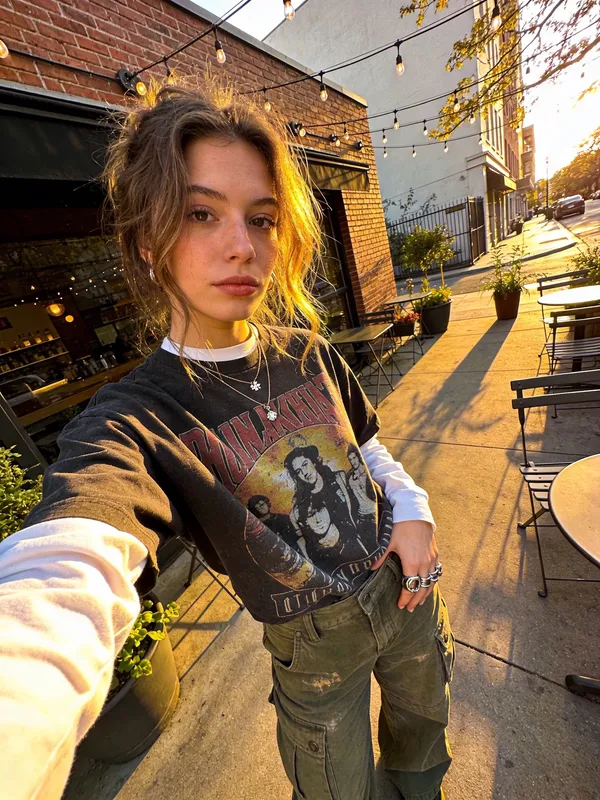
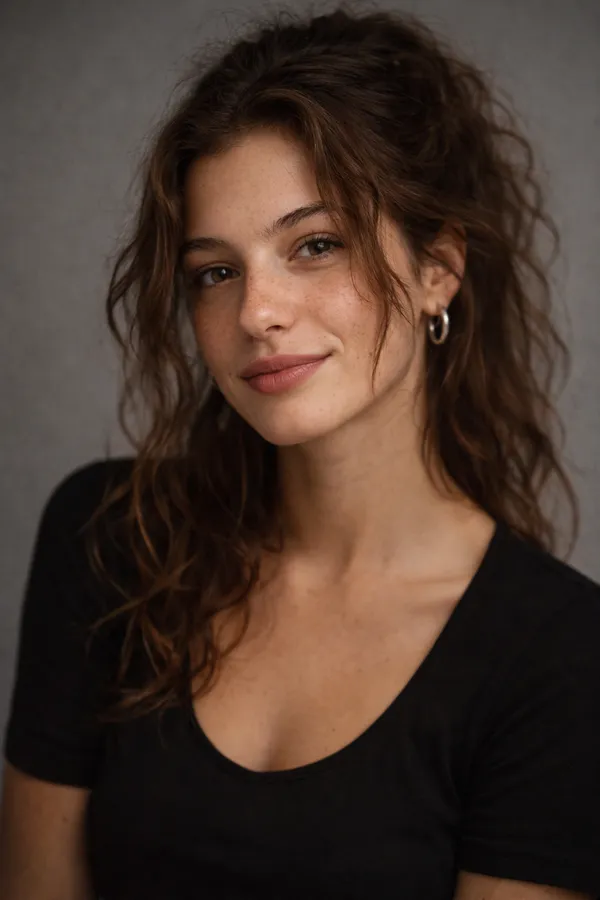
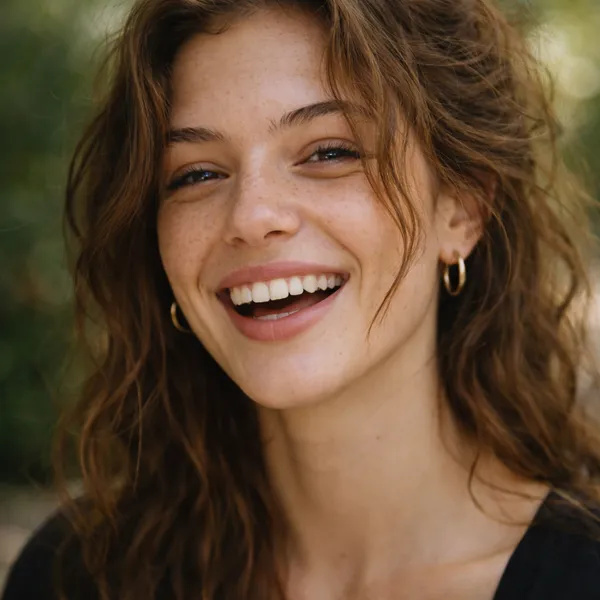
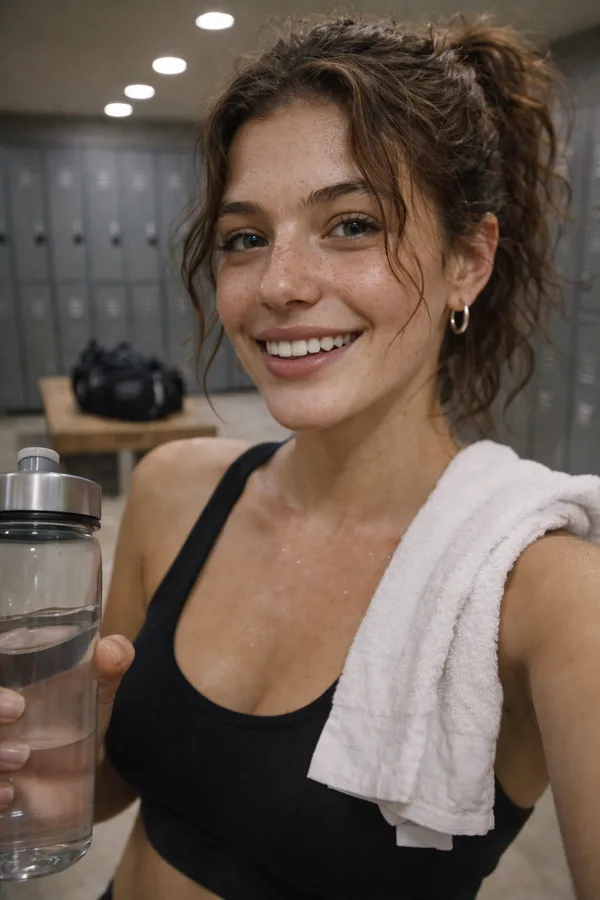
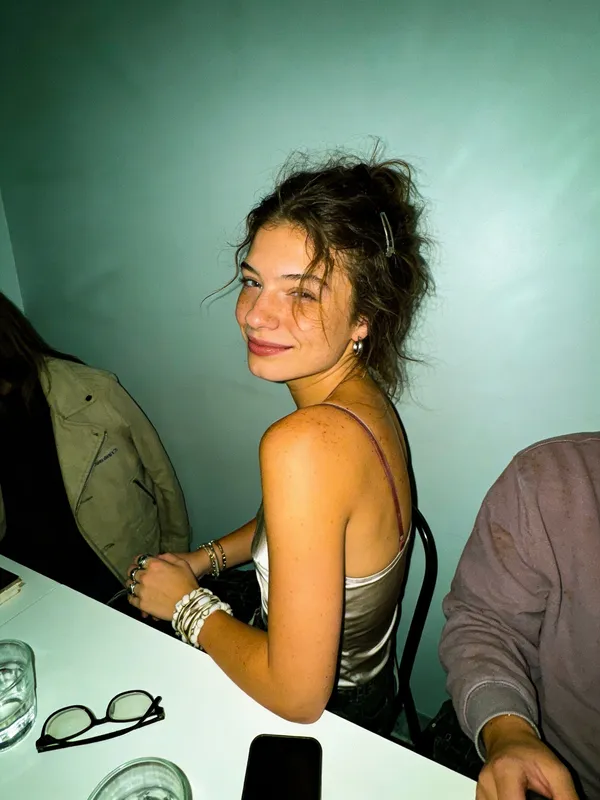
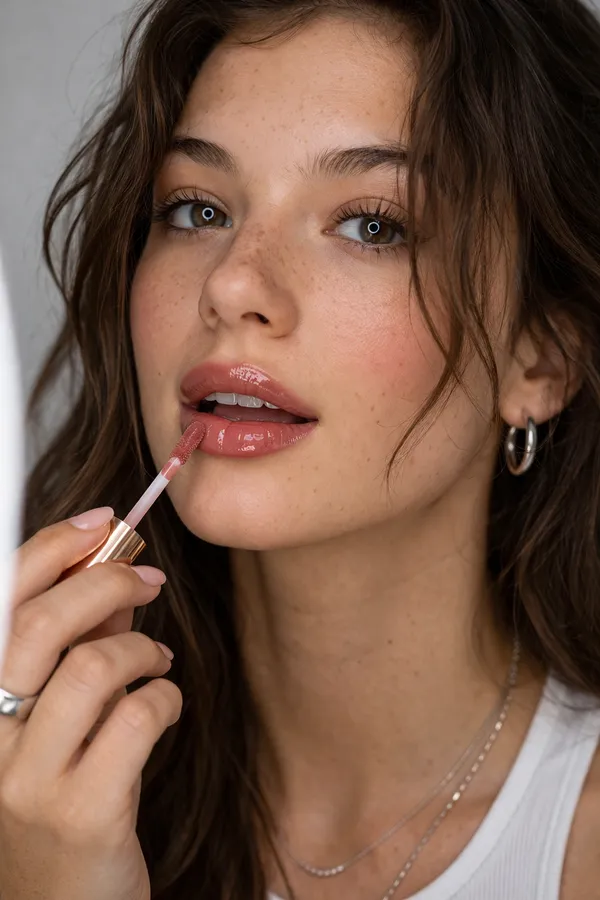
All 6 images above are the same AI character generated with the same identity block and different scene prompts. The full kit includes 38 templates across 8 categories.
Build Your AI Influencer in 5 Steps
A practical, step-by-step workflow for creating a consistent AI character and turning it into a content machine. No coding required. Each step builds on the last.
Your Identity Block
This is a 20-40 word description that stays constant in every single prompt. It's the DNA of your character. Wherever you see [IDENTITY BLOCK] in the prompts below, paste in your version of this.
25-year-old woman, warm olive skin, shoulder-length wavy dark brown hair with caramel highlights, large hazel-green eyes, full natural lips, soft freckles across nose, athletic-slim build
Customize this to your character. Change ethnicity, age, hair, eyes, build, and distinguishing features.
Before you can lock an identity, you need to create one. Generate your character across varied poses, expressions, angles, and lighting. This reference set becomes the foundation for everything that follows — think of it as your character's "photo album" that defines who they are.
Recommended Tools
Use --cref to keep the same face across generations. Add --style raw for photorealism.
Stay on v6.1 for --cref support.
Maintains your character within a conversation. Say "generate this same person in a new setting."
Open-source model, best base for LoRA training if you want maximum control.
Copy-Paste Prompts
Reference Set Checklist: Generate at least 5 headshots (varied expressions), 5 upper body (different angles), and 10 full body (varied poses). Use 5 different outfits, 3 lighting conditions, and 4 angles.
Bring It to Life with Video
Turn still images into video clips, add a consistent voice, and edit for social
Launch and Grow
Set up your profiles, post your first week, and build a growth engine
Steps 4-5 included in the starter kit
Video creation, voice cloning, editing workflow, launch plan, growth strategy, and monetization roadmap
Get the Kit — $19.99Why JSON Prompts Work Better
For advanced users: structuring prompts as JSON objects gives you granular control and perfect reproducibility. Here's the pattern:
Consistency
Copy the subject block exactly every time — your character never drifts.
Granular Control
Adjust specific details (lighting, pose) without rewriting the entire prompt.
Easy Variations
Swap the environment or clothing block while keeping identity locked.
Reproducible
Save your character's JSON as a reusable template for any scenario.
Copy, Paste, Generate
Ready-to-use templates across 8 content categories. Each one is designed to maintain your character's identity while varying the scene, outfit, and mood.
Design Your Character
Fill in the fields below to generate your character's identity block. This description stays the same in every prompt — it's what keeps your AI influencer looking like the same person across all content.
Start filling in the fields above to build your identity block...
Paste this into any prompt where you see [IDENTITY BLOCK]. Every image you generate with this description will look like the same person.
The Best Tools for Each Step
We tested dozens of tools and narrowed it down to the ones that actually work. Sorted by step in the workflow, with our pick for each category.
Midjourney
EasyBest overall image quality, --cref for consistency
ChatGPT (DALL-E)
EasyMaintains character within a single conversation
Flux (Replicate)
MediumBest base model for LoRA training, open-source
Tensor.Art
EasyBrowser-based LoRA training with no command line